Push your reading pace. Keep what you read.
Synapace shows text one word at a time at a speed you choose, then quizzes you on it. Raise the pace a little at a time and see, with a score, that you are still taking it in.
- No account needed
- No ads
- Free reader, free samples
What you get
A reader you can use for free, and comprehension checks that show how far you can push your speed and still keep what you read.
Pro for your own text Free on the samples
Quizzes that show what stuck
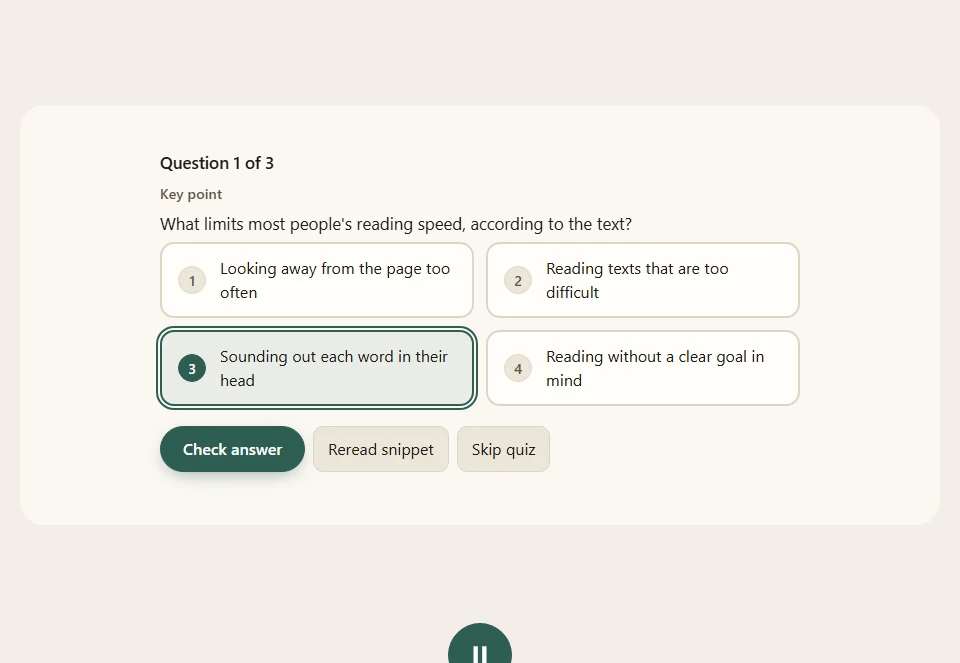
After each section of about 120 to 250 words, a few multiple-choice questions. Miss one and the passage that answers it replays slowly before you try again.
Testing yourself is one of the better-supported ways to remember. The built-in samples ship with prewritten questions; for your own text the questions come from AI, so now and then one will be off, and the text is always the authority.
Pro for your own text Free on the samples
Know what you are about to read
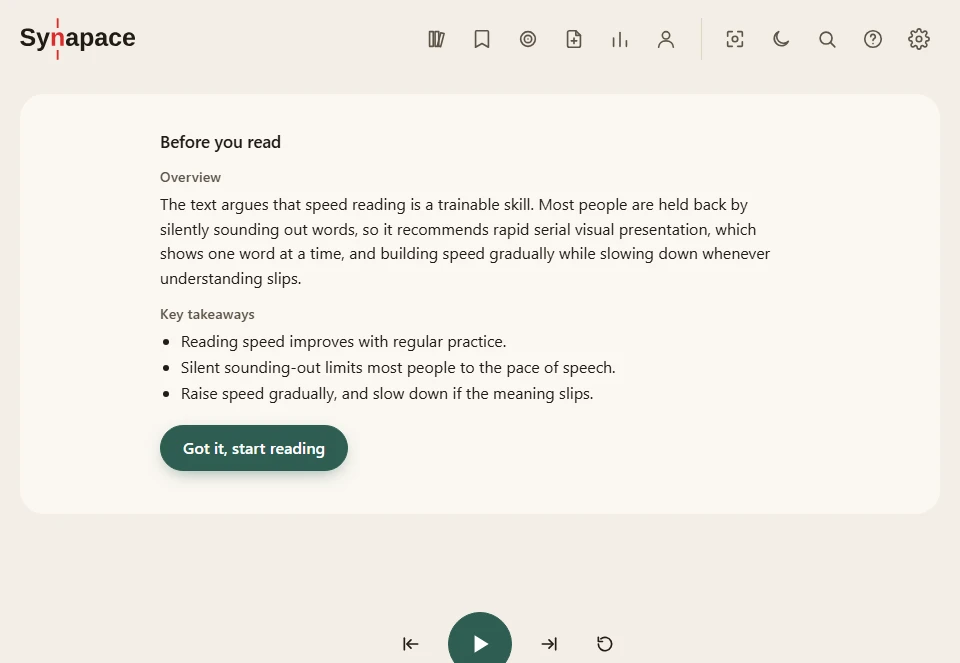
A short overview and key takeaways before you start, a summary at the end, and flashcards for the key terms. Each of these has its own switch; turn them all off and Synapace plays straight through like a plain reader.
Free
A reader that fits you
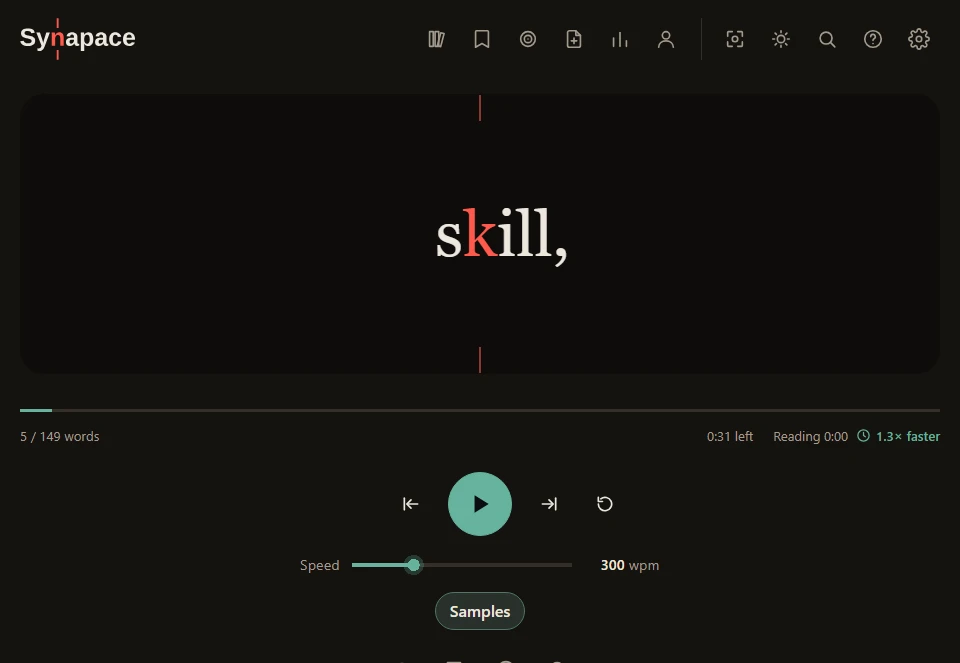
One word or a few at a time in a fixed spot, with a highlighted focus letter. Pick a speed from 50 to 1,000 words per minute. Long words, sentences and paragraph ends get a little more time, and formulas, numbers, tables and code wait for you.
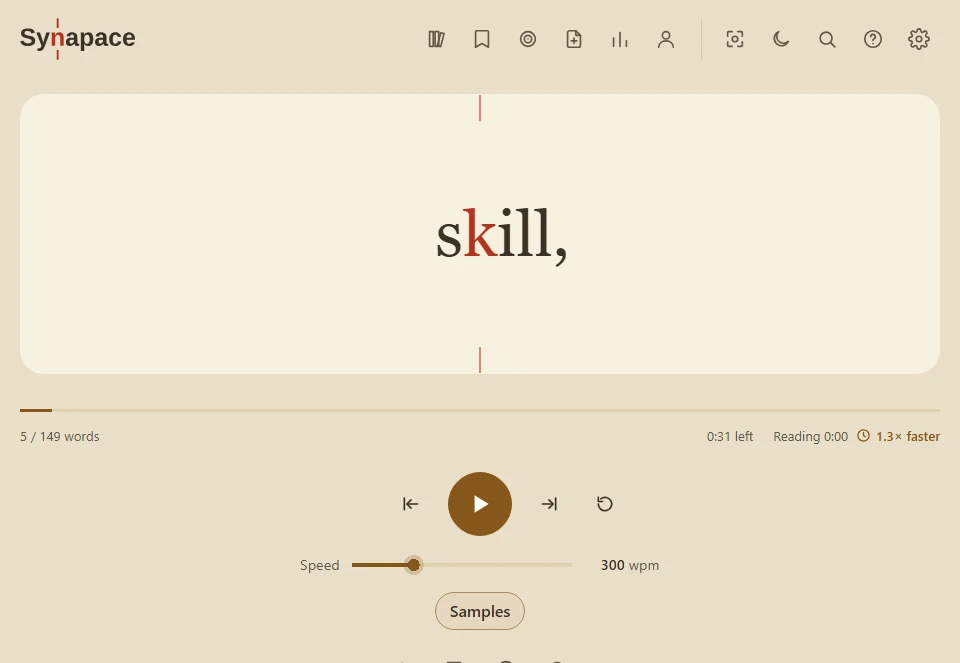
Ten themes, a typeface designed for low-vision readers, reduced-motion support and full keyboard control. Speed drills and short breaks are free too.
How it works
Pick a text
Paste your own, or choose a built-in sample. Messy pasted text can be tidied with fixed rules.
Read at your speed
Words appear in one spot. Start where you are comfortable and raise the speed only while you keep up.
Check and compare
Answer a few questions and see words per minute next to your score, so you can judge the trade-off yourself.
Built for readers who want to go faster
Practice with a scoreboard. Synapace pairs focused, paced reading with a quiz after every section, so every step up in speed comes with proof of what you kept. Testing yourself is among the best-supported ways to remember what you read.
You set the pace, push it up in small steps and find your own limit. See the research behind it.
Free and Pro
Reading is free. Pro covers the features that cost money to run or that keep your texts across devices.
| Feature | Free | Pro |
|---|---|---|
| The speed reader, themes, fonts and settings | ✓Included | ✓Included |
| Built-in sample texts with prewritten quizzes | ✓Included | ✓Included |
| Speed-training drills and short game breaks | ✓Included | ✓Included |
| All the break games (Free has five) | –Not included | ✓Included |
| Browser extension: read any web page | ✓Included | ✓Included |
| AI overviews, quizzes, flashcards and summaries for any text | –Not included | ✓Included |
| “My own AI” mode, using any chat AI you like | –Not included | ✓Included |
| Your own Google AI key for the same features | –Not included | ✓Included |
| Your texts saved to your account, on every device | –Not included | ✓Included |
| Your collections, notes, glossary and quiz history on every device | –Not included | ✓Included |
| PDF import, read one chapter at a time | –Not included | ✓Included |
| Dictionary lookup on tap | –Not included | ✓Included |
| “Explain this” on a selected passage | –Not included | ✓Included |
| Translate a text into another language | –Not included | ✓Included |
Your text, your call
Stays in your browser
The reader runs on your device. Your texts stay there unless you choose to save them to your account.
AI only when you use it
Text goes to an AI service only when you turn on an AI feature, and the app tells you which one. “My own AI” mode sends nothing from the app.
No ads, no selling data
Synapace carries no advertising and does not sell personal data. Details are in the privacy policy.
Plain pricing
Two prices, no hidden renewals, and you can stop whenever you like.
Quick answers
Do I need an account?
Not to read. Accounts are for saving your library across devices and for paid features.
Does it work without AI?
Yes. With every comprehension switch off it plays straight through like a plain reader, and the samples have their own quizzes.
Will I really read faster?
Pace is yours to raise: start where you are comfortable, go up in small steps, and your quiz score shows whether you are keeping up. That loop is what Synapace is for. See the science.
See your own speed and score
It takes about a minute to read the short sample and answer its questions.